

Using generative AI Veras transforms sketches, 2D images and 3D models into realistic renderings and animations enabling rapid style, material, and design exploration.
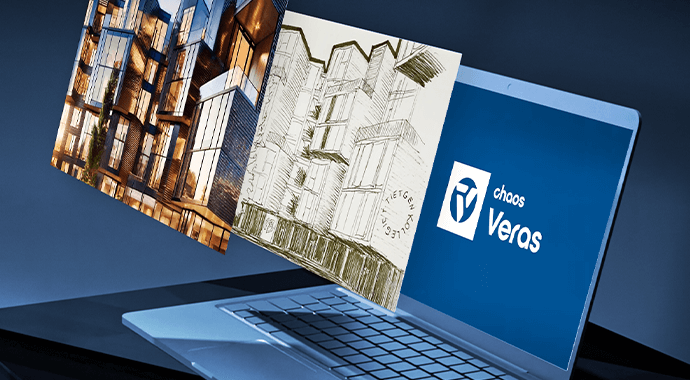
Veras 3.0 introduces a powerful new way to visualize your concepts—now you can generate short, dynamic animations directly from any rendering or still image. Everything happens inside your existing tools like Revit, Rhino, or SketchUp, with no exporting or complicated software required. It’s a faster, more intuitive way to explore and communicate design intent.
The new Image-to-Video capability in Veras 3.0 allows architects and designers to turn a single image into a five-second animated clip. You can incorporate motion effects such as camera pans, zooms, lighting transitions, atmospheric conditions, weather changes, or even subtle movement in people, vehicles, or water.
Because it works inside applications you already use—Revit, SketchUp, Rhino, and others—you can quickly experiment with different moods and movements. This makes it ideal for:
Creating an animation in Veras takes just a few steps.
Simply switch to the Video tab, load an image, describe the motion or mood you want, and Veras will generate a short animated sequence. The rendering process usually completes within a couple of minutes.
Example prompt:
Slow camera pan, transition from day to night, interior lights illuminate.
Veras works smoothly alongside Enscape, giving designers a simple way to produce both still images and now animated visual studies without leaving their workflow.
Veras 3.0 comes bundled with Enscape Premium and the ArchDesign Collection, with monthly video limits depending on your plan:


